TDLR Cosmetology License Renewal Online: 9 Steps for 2026
Every Texas cosmetology license expires every two years, and completing a TDLR cosmetology license renewal online is the fastest way to stay compliant. The Texas Department of Licensing and Regulation processes renewals through its Online Services portal at tdlr.texas.gov/tools/. For most licensees, the online steps take only a few minutes once the prerequisites are in order.
This guide covers the full online portal process: what to have ready before logging in, each screen a licensee will encounter, the lawful presence step, and how to troubleshoot the most common issues. For a broader overview of renewal rules, see the Texas Cosmetology License Renewal Process guide.
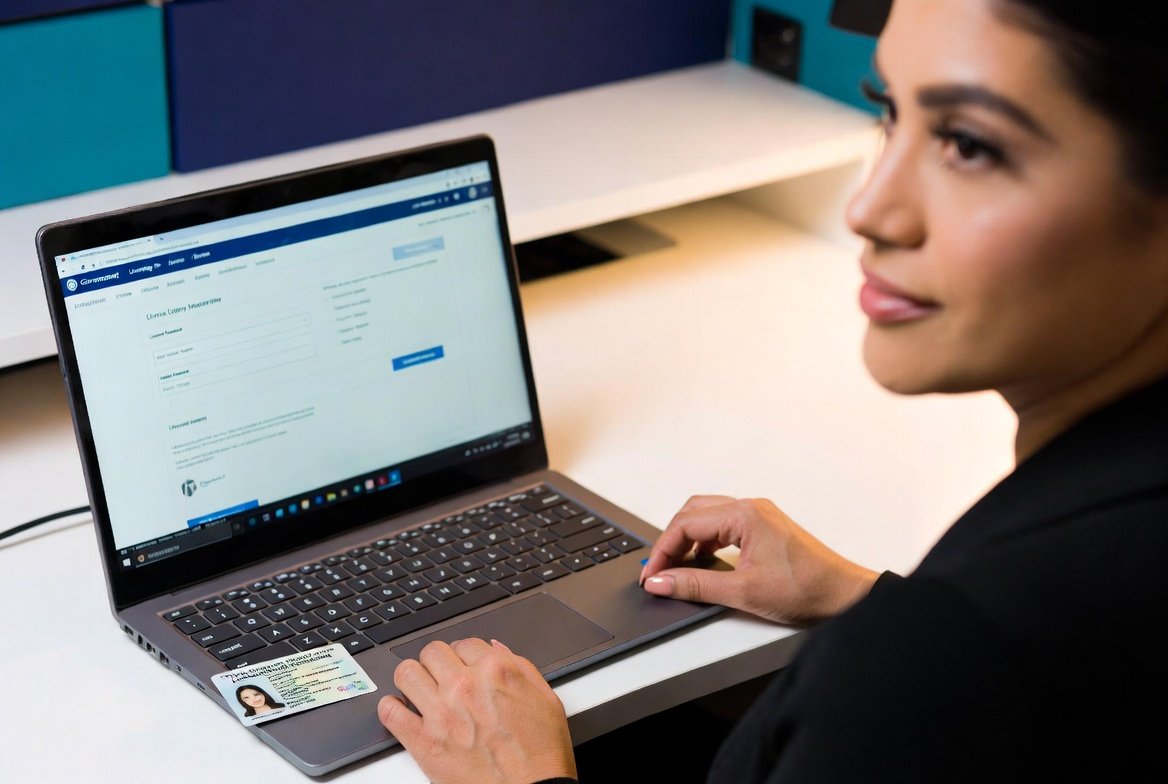
Completing your TDLR cosmetology license renewal online starts at tdlr.texas.gov/tools/. Log in, select your license, confirm your CE hours are on file, complete any lawful presence step if TDLR requests one, pay the $50 fee, and then confirm the renewal on TDLR's license search. Complete the CE before renewing; the provider has up to 7 days to report it, and if the hours are not posted, TDLR says the renewal will be delayed.
How to Complete Your TDLR Cosmetology License Renewal Online: 9 Steps
Each step below corresponds to a screen you will encounter during your TDLR cosmetology license renewal online at tdlr.texas.gov/tools/. The process moves quickly when CE hours are already posted.
Go to tdlr.texas.gov/tools/
Navigate directly to the TDLR Online Services portal. Start from TDLR's own site rather than a third-party service.
Log In or Create an Account
Follow the on-screen prompts to identify your license. TDLR requires the last four digits of your Social Security number to renew online.
Select Your License and Choose "Renew"
Locate the cosmetology license on the dashboard. The "Renew" button appears when the renewal window is open in TDLR Online Services (often shortly before expiration).
Confirm CE Hours Are Posted
Before submitting, confirm the course appears on TDLR's Continuing Education Courses Look Up. If it is missing, stop and contact the CE provider; do not submit without confirmed hours.
Verify or Update Personal Information
Review name, mailing address, and contact details. Update anything outdated at this step to ensure renewal reminders reach you going forward.
Complete Any Lawful Presence Step
TDLR verifies lawful presence for license applications and renewals. Not everyone is asked for documentation, and TDLR instructs licensees not to send anything unless it specifically requests it. If documentation is requested, copies may be submitted electronically or by mail. If TDLR requests documents and does not receive them, the license expires on its existing expiration date and is then eligible for late renewal once the documentation is provided.
Pay the Renewal Fee
The portal presents the fee based on your current license status ($50 on time; higher if expired).
Review and Submit
A summary screen appears before final submission. Verify your name, address, license number, and fee amount before clicking submit.
Verify Your Renewal Is Complete
After submitting, TDLR suggests checking that your payment was received and that your license has been issued using its online license search. If you have verified the renewal but have not received your license within 14 days, contact TDLR.
The Portal Is Fast. The Course Comes First.
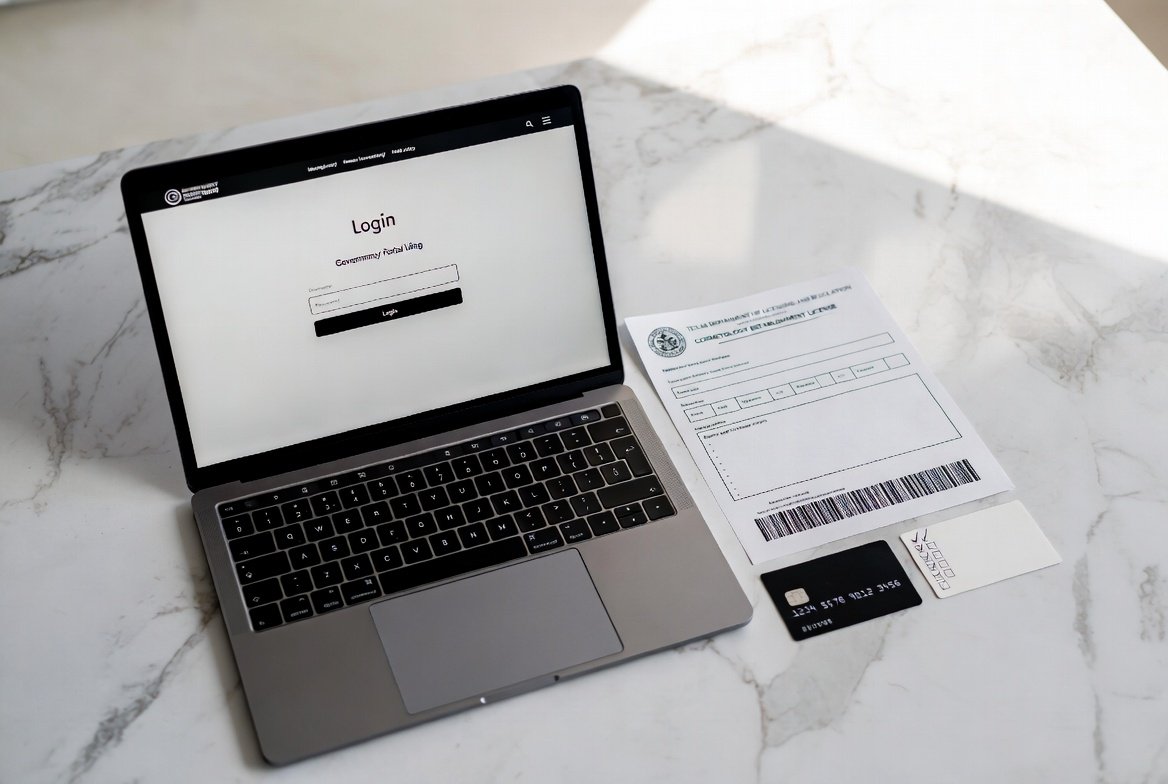
The TDLR cosmetology license renewal online portal is quick, but CE comes first: if your hours are not posted, TDLR says your renewal will be delayed. Complete your required hours through txcosmetologyce.com and your completion is filed with TDLR within one business day.
Enroll in TDLR-Approved CE →